

 1 day ago
9
1 day ago
9
ARTICLE AD BOX
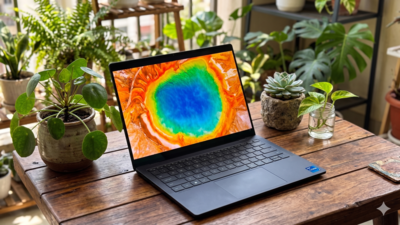
Rating- 4/5 Dell's XPS lineup has long focused on combining premium design with practical day-to-day usability, and the Dell XPS 14 (2026) continues that approach. Priced at Rs 3,05,590, the laptop sits firmly in the premium segment and targets professionals, creators and users who want a compact machine without compromising on display quality or performance.Our review unit came equipped with Intel's latest Core Ultra X7 358H processor, 32GB LPDDR5x RAM, 1TB SSD storage, Intel Arc Graphics and a 14-inch 2.8K OLED touchscreen display with a variable refresh rate ranging from 20Hz to 120Hz.
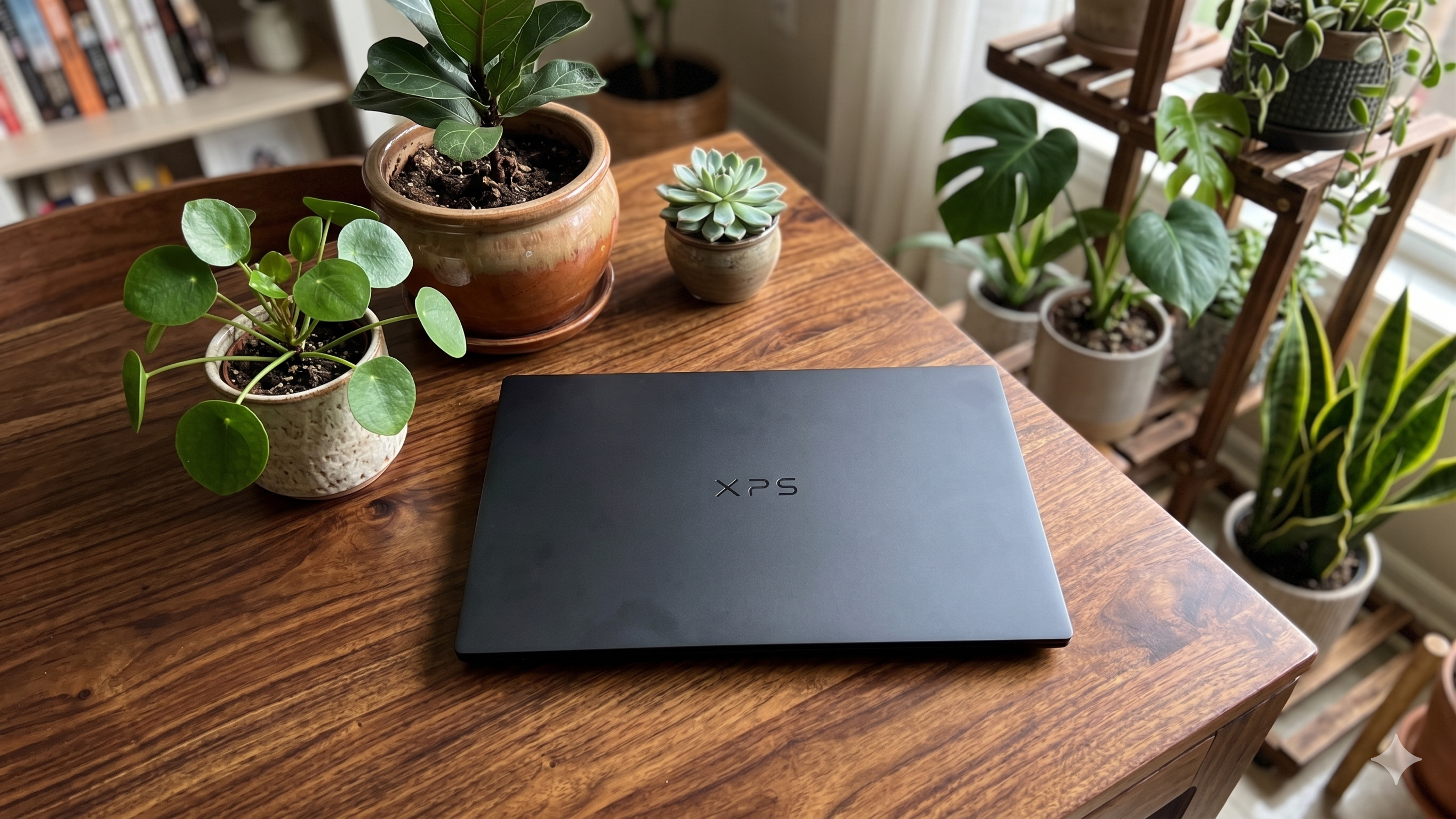
On paper, the specifications look impressive, but premium laptops are rarely judged by specifications alone. What matters more is how they feel during everyday use, whether that involves writing documents, managing spreadsheets, attending video meetings, editing photos, streaming content or travelling between locations. After spending considerable time using the Dell XPS 14 as a primary work machine, here's what we think about it:
Design and build
Dell XPS 14 immediately stands out because of its minimalist design language.
Its Graphite finish gives it a clean and understated appearance. The aluminum chassis feels dense but slightly bulky. The smooth matte surface helps maintain a premium look but attracts a lot of fingerprints rduring daily use. There are very few visual distractions. The lid carries only the XPS branding, while the sharp edges and thin profile contribute to a modern aesthetic.The laptop feels sturdy when carried around in a backpack, and there is very little flex around the lid or keyboard deck.
During travel, it remained comfortable to carry between meetings, airport lounges and workspaces without becoming a burden. Opening the lid reveals one of the more distinctive design choices. Dell continues to use its edge-to-edge keyboard layout, paired with a seamless glass palm rest and an almost invisible haptic touchpad.
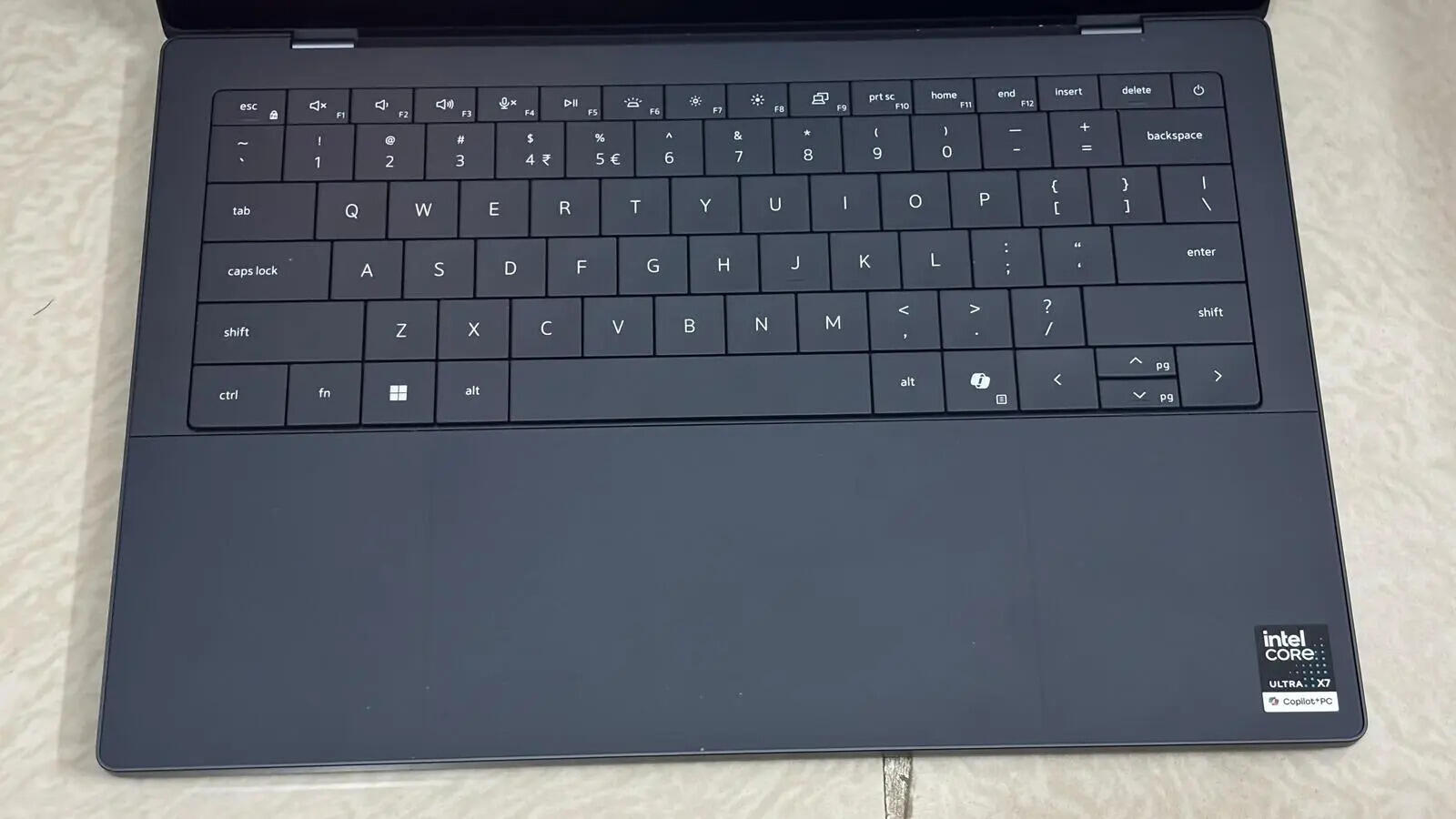
At first, the hidden touchpad takes some getting used to because there are no visible boundaries.
After a few hours of use, however, muscle memory kicks in and navigation becomes second nature. The haptic feedback does a convincing job of mimicking traditional clicks while providing a cleaner overall look.The keyboard itself offers a comfortable typing experience. Key spacing feels natural, and despite the relatively shallow travel, typing remained comfortable during long writing sessions. We spent several days drafting documents, responding to emails and working on spreadsheets without experiencing fatigue.The capacitive function row remains one of the more polarising design decisions. It looks futuristic and contributes to the laptop's clean appearance, but users who frequently rely on physical function keys may need some time to adapt.
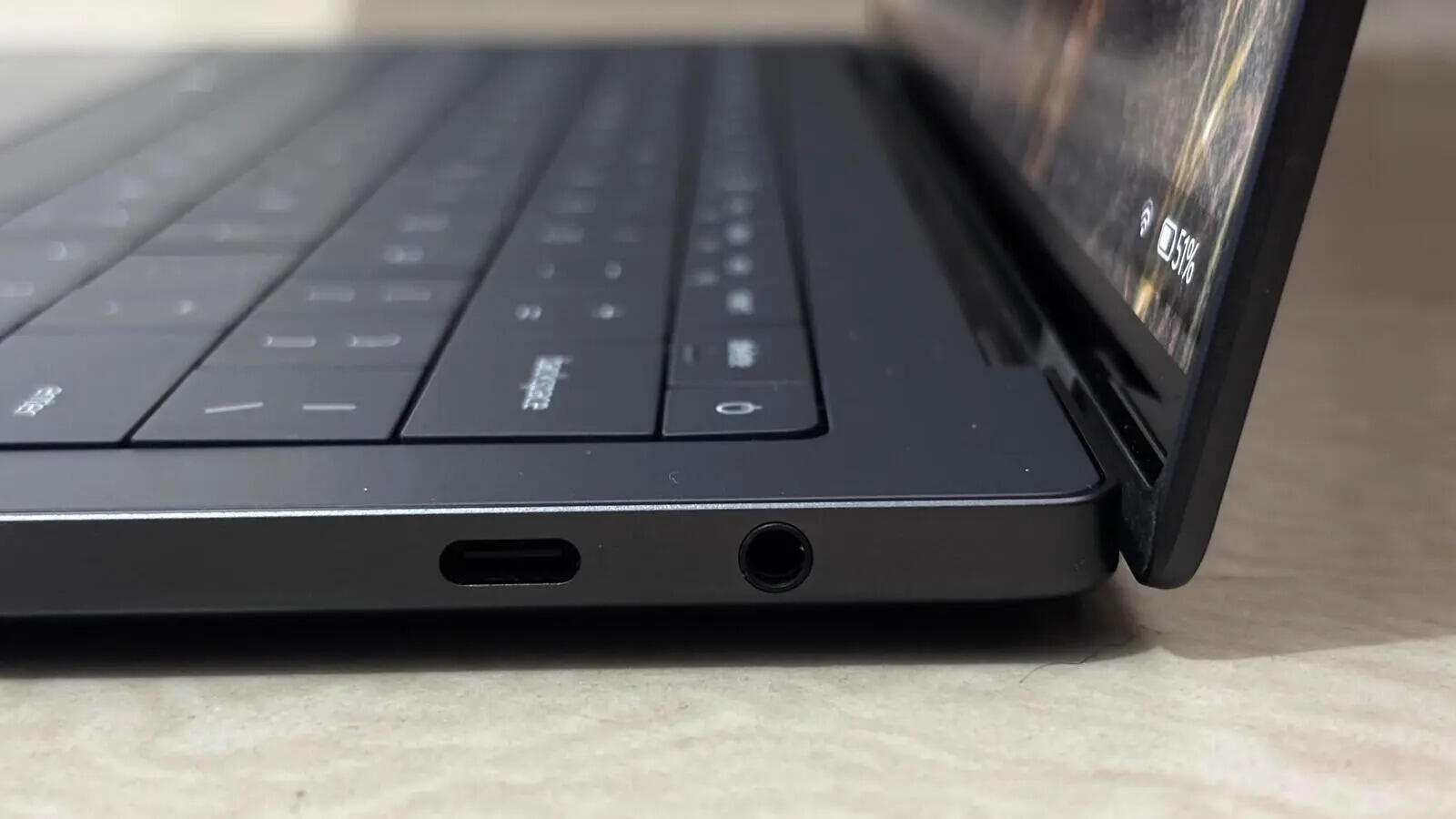
Port selection seems limited which only includes three Thunderbolt USB-C connectivity and a headphone jack. While sufficient for many users, those working with multiple external devices may still need a USB-C hub or adapter.
Display and audio
The display is easily one of the highlights of the XPS 14. Dell has equipped the laptop with a 14-inch 2.8K OLED touchscreen panel featuring a 20Hz to 120Hz adaptive refresh rate. During everyday use, the screen consistently delivered sharp visuals and vibrant colours without appearing overly saturated.The OLED panel excels during media consumption. Streaming movies and television shows revealed deep blacks, strong contrast and rich colours that help content feel more engaging.
Dark scenes retained detail while brighter highlights appeared well controlled. The 16:10 aspect ratio also improves productivity by providing additional vertical space when working on documents, spreadsheets or web pages.
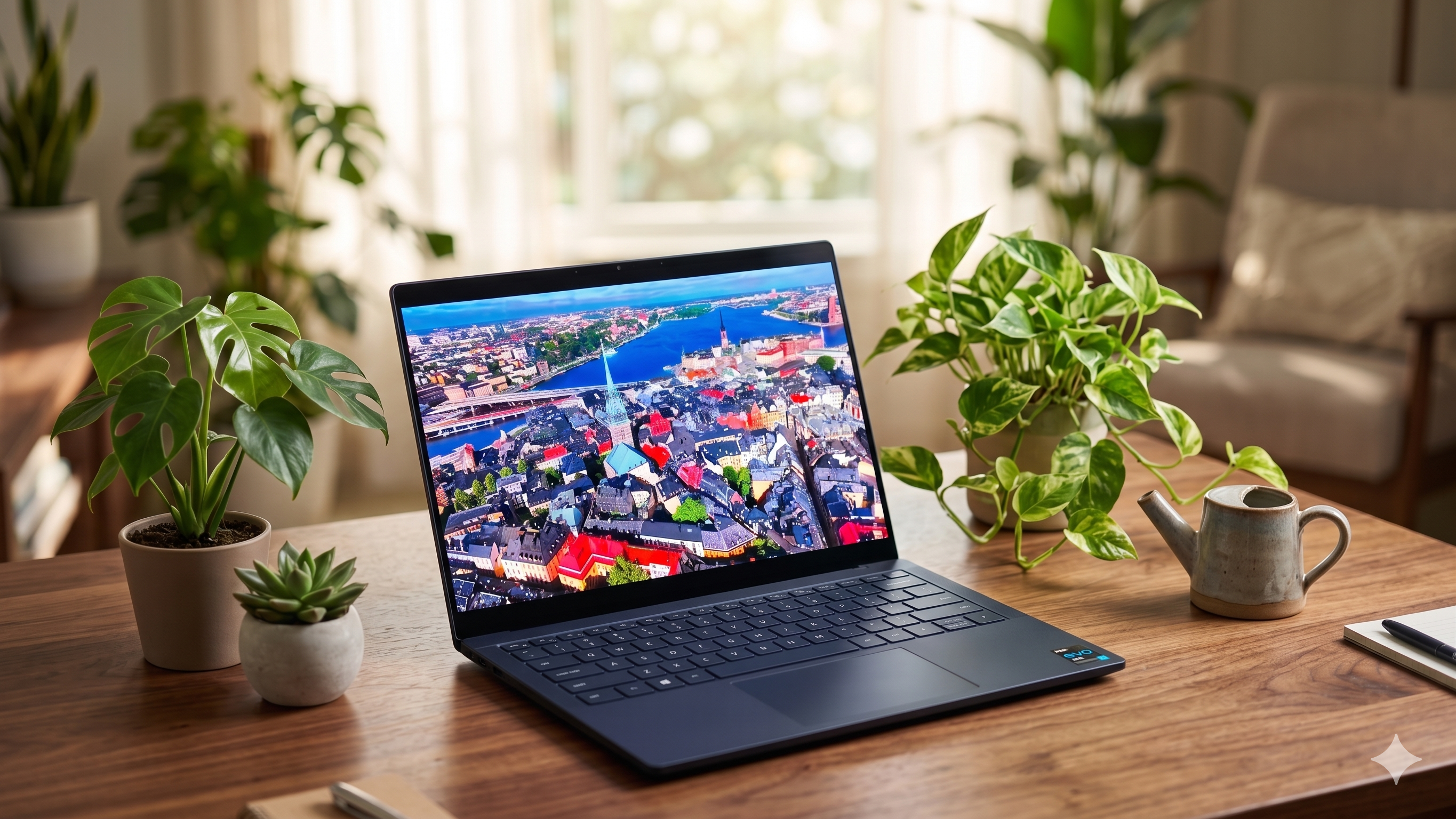
One aspect we appreciated during extended use was the smoothness provided by the 120Hz refresh rate. Scrolling through websites, documents and social feeds feels fluid, while animations appear more natural compared to standard 60Hz displays.The touchscreen implementation works as expected. While most users will still rely primarily on the touchpad and keyboard, occasional touch interactions feel responsive and accurate.Brightness levels proved sufficient for indoor work environments, including offices, cafes and well-lit rooms. Near windows, reflections are visible due to the glossy OLED finish, but not to the point where usability becomes a concern.
Audio performance is handled by Dell's integrated speaker system. For a compact laptop, the speakers provide clear vocals and sufficient volume for video calls, streaming content and casual music listening.Dialogue remains easy to understand, which is particularly useful during virtual meetings. While bass remains limited as expected from a thin laptop, the overall listening experience feels balanced.
Performance and AI features
Our review unit featured the Intel Core Ultra X7 358H processor, paired with 32GB LPDDR5x RAM and a 1TB PCIe SSD.
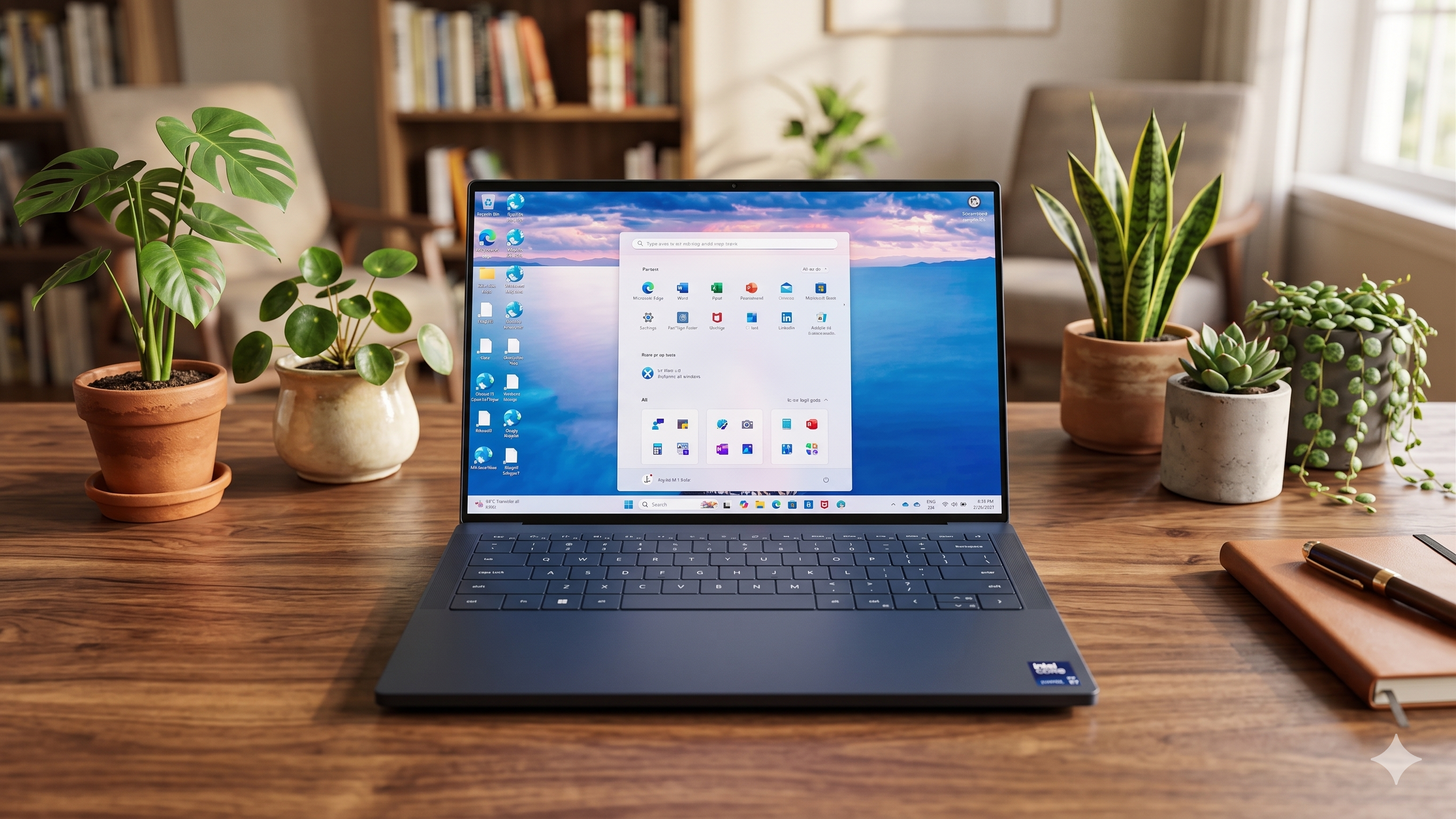
In everyday usage, the laptop consistently felt quick and responsive.Running multiple browser tabs, Microsoft Office apps, Teams, Photoshop edits and other background processes running simultaneously did not impact performance. App launches were quickly, and switching between workloads remained smooth.The 32GB memory configuration provides plenty of headroom for multitasking. Users who regularly work across multiple apps will appreciate the additional flexibility, particularly when handling larger files or keeping numerous browser tabs open.The PCIe SSD also contributes to the overall experience. File transfers complete quickly, while large apps and project files load without long waiting times.Intel Arc Graphics handles media workloads and light creative tasks comfortably. Photo editing, content creation and casual design work pose no issues. However, users looking for serious gaming performance or demanding GPU-heavy rendering tasks may want to consider laptops equipped with dedicated graphics.As a Copilot+ PC, the XPS 14 also includes access to Microsoft's growing collection of AI-powered tools. Features such as AI-assisted search, summarisation, image generation and productivity enhancements integrate naturally into the Windows experience.During our testing, we frequently used Windows' AI-powered search to locate files, screenshots, and documents that had been buried across folders. Instead of remembering exact filenames, we could search using natural language descriptions, and the system was able to find the correct files quickly. Live Captions also proved useful during video calls and online presentations, automatically generating captions in real time. While these AI tools don't fundamentally change how the laptop is used, they help reduce small productivity bottlenecks during everyday work. More importantly, they run smoothly in the background without noticeably affecting system responsiveness.During daily use, these features felt useful in specific scenarios rather than transformative.
Their value will largely depend on how frequently individual users incorporate AI into their workflow.The laptop also benefits from Wi-Fi 7 support, which delivered reliable connectivity throughout our testing. Large downloads, cloud-based workflows and video calls remained stable across various network conditions.Another feature we found practical was Windows Studio Effects during video meetings. Background blur, eye-contact correction and automatic framing worked reliably during Teams and Google Meet calls.
The eye-contact feature, in particular, made conversations feel more natural when occasionally looking away from the camera to reference notes or documents. These aren't features users will rely on constantly, but for professionals who spend several hours each week in virtual meetings, they definitely add a layer of convenience.Thermal management deserves mention as well. Even during prolonged workloads, the laptop remained comfortable to use.
Some warmth develops underneath the chassis during heavier tasks, but the keyboard and palm rest areas remain comfortable.
Battery
Battery life is often a concern with high-resolution OLED laptops, but the XPS 14 performs reasonably well in this area. The laptop houses a 70Wh battery, which comfortably lasted through a typical 8 hour workday involving web browsing, writing, emails, video calls and occasional media streaming.During mixed productivity workloads, reaching the end of the day without urgently searching for a charger was generally possible. Heavier workloads involving extended OLED brightness, content creation or AI features naturally reduced endurance, but battery performance remained dependable overall. Charging is handled through USB-C, which adds convenience for users carrying multiple USB-C devices. The laptop takes around 1.5 hours to get fully charged from 0%.
Verdict









 English (US) ·