

 1 week ago
9
1 week ago
9
ARTICLE AD BOX
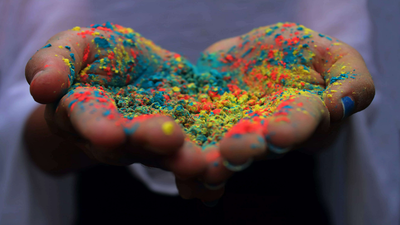
Apple App Store is gearing up for Holi. There are quite a few things that you can do on your iPhones this Holi, including making Holi stickers to share your greetings for the festival of colours.
Delhi-based photographer Rohit Vohra, who featured prominently on the App Store this week shared some tips and tricks of what he calls 'impactful' Holi photography.
Apple iPhone users here are some simple and practical tips to click photos like a ‘pro’ from your phone.* Use ultra wide 0.5x to capture the atmosphere. Go for 1x to capture street and 2x for portraits. * Tap the screen and drag exposure down just a little. Underexposing slightly makes colors richer and more dramatic.* Swipe left on the shutter button and hold to shoot in burst mode to capture those flying colors.* Make sure to wipe the lens regularly. You can carry a microfiber cloth in a zip lock bag. There are good chances that your lens will get dirty every two minutes.* Holi moments can be chaotic and fast, so Vohra suggests that iPhone users shoot Slo-Mo in 4K 120 FPS for high resolution and smoother slow motion.* Use Cinematic mode to capture aesthetic videos and Action mode if l am moving along with the subject.
* It is possible to often miss out on the exact shot you want and hence, it is better to keep the Live mode ON.* I use the camera control or volume up/down button to take photos when the screen or fingers are wet. This works like a charm.Incidentally, Rohit Vora is not a first timer on the App Store, his Holi pictures have made it to Apple App Store previously too. In 2024, Apple CEO Tim Cook too shared Vohra’s Diwali pictures with his Diwali greetings on social media platform X, formerly Twitter.







 English (US) ·